Sending an SMS is easy. The difficult part is everything your business needs around it.
Who should be allowed to send? Which recipients should they see? Should they send to individuals or groups? Do you need templates, message history, customer information, approval, or different interfaces for different teams?
This is often where a simple requirement turns into another software subscription, a compromise around how someone else thinks you should work, or a custom development project.
But perhaps you do not need another SMS product. Perhaps you need your own SMS solution.
Start with the SMS process you actually need
The requirement might be very simple:
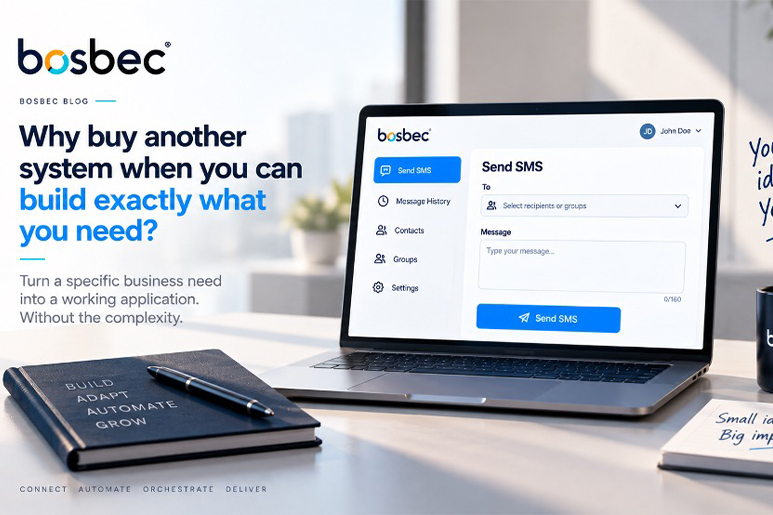
“We need a page where our employees can log in, select one or more recipients, write a message and send an SMS.”
That should not have to become a major IT project. In Bosbec, the interface and the workflow behind it can live in the same solution. A user logs in, the page loads the recipients they are allowed to use, they write a message and the workflow sends the SMS.
The Bosbec tutorial starts with exactly that: a logged-in web page, a recipient list and a Send button. The page and API are served from the same Bosbec workflow, so the example does not require a separate web server.
The real requirement usually starts with “Can we also…?”
A basic SMS page is rarely the end of the story. Once people start using it, the useful questions appear:
“Can we search for customers?”
“Can we send to a group?”
“Can we see who sent each message?”
“Can we keep a message history?”
“Can different users see different recipients?”
“Can AI help write or adapt the message?”
With a fixed SMS product, you start checking feature lists and licence levels. With your own Bosbec solution, these are changes you can make to the process you already built.
One SMS interface can solve very different business needs
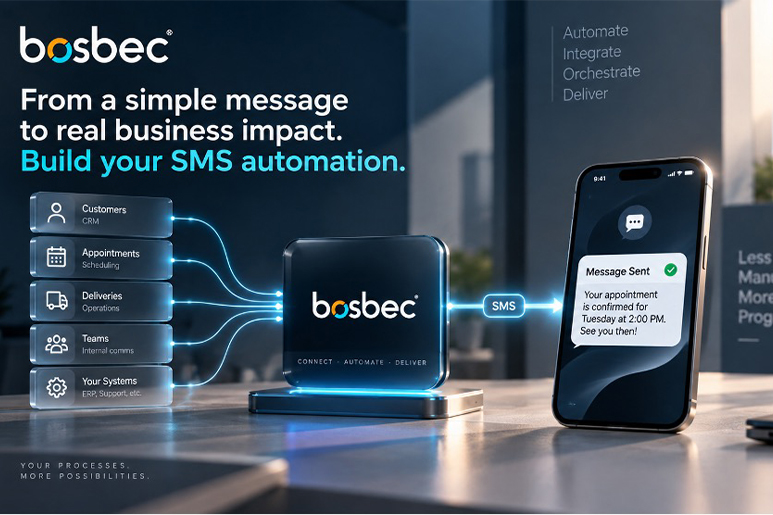
Customer service – Find a customer, see the relevant information and send an SMS without switching tools.
Field service – Select today’s customers and send arrival or delay notifications.
Operations – Select a team or group and send important operational information.
Delivery – Find an order and notify the customer that it is ready.
Appointments – Find upcoming bookings and send reminders or changes.
Make the interface yours
The example interface is intentionally simple. You can change the layout, add your logo and brand, add search, change the fields or extend the workflow. The tutorial also shows how AI can help restyle the HTML while keeping the underlying functionality intact.
The SMS is only one action. The real value is the process you build around it.
Start small. Build the SMS solution around your process.
You do not have to define the perfect SMS application on day one. Start with a working interface, send your first message and then adapt it to the way your organisation actually works.
Build an SMS Sending Interface in Bosbec
Do not adapt your process to an SMS tool. Build the SMS tool around your process.