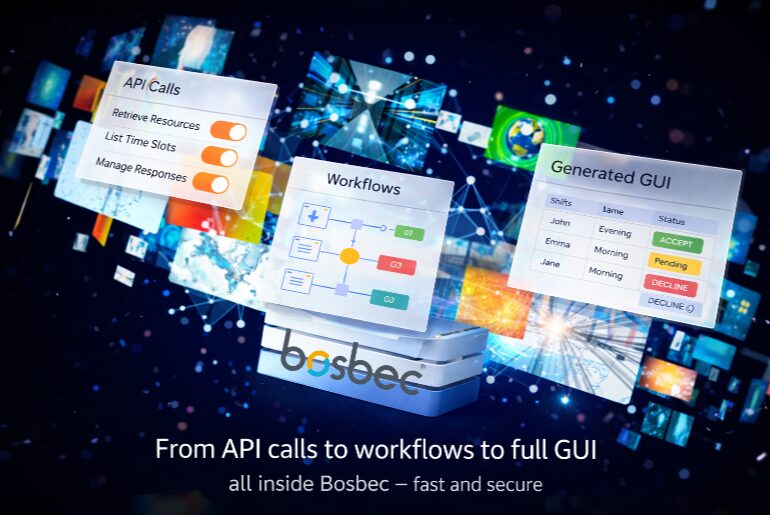
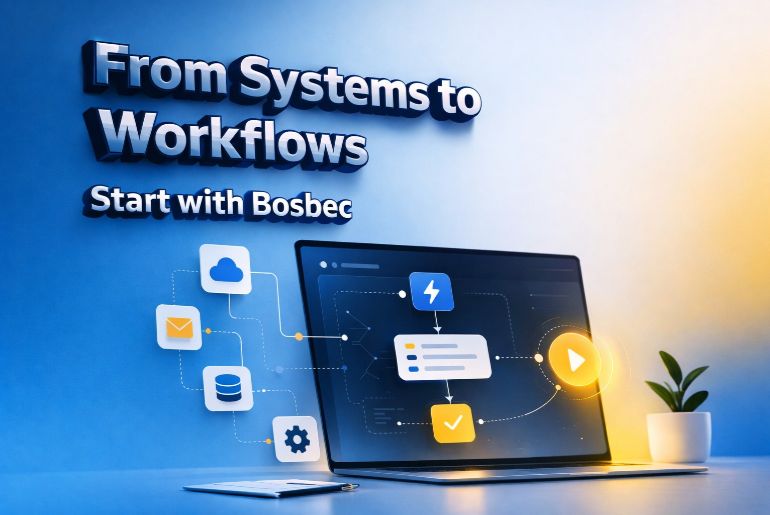
Integrating systems and automating workflows can sometimes feel complex. With Bosbec, however, you can build powerful integrations quickly using a flexible workflow engine and ready-to-use components.
In this guide, we’ll walk you through how to get started with integrations in Bosbec, explain the core concepts, and show you where to go next in the documentation.
Follow the full getting started guide here:
https://help.bosbec.com/knowledge-base/getting-started-integrations/
What is Bosbec?
Bosbec is a cloud-based integration and automation platform that allows businesses to connect systems, move data, and automate processes between applications.
Instead of building custom integrations from scratch, Bosbec lets you create workflows that manage how data flows between systems.
With Bosbec you can:
- Connect systems through APIs or HTTP requests
- Automate workflows across multiple platforms
- Process and transform data automatically
- Build scalable integrations without heavy development
At the core of Bosbec is a workflow builder where integrations are built using triggers, jobs, and resources.
Step 1 – Understand the Core Concepts
Before building your first integration, it helps to understand the three main building blocks in Bosbec.
Triggers
Triggers start a workflow.
Examples include:
- An incoming HTTP request
- A scheduled task
- An email event
- A manual workflow trigger
Once the trigger is activated, the workflow begins.
Jobs
Jobs perform the actions within the workflow.
Examples include:
- Transforming or processing data
- Sending messages such as SMS or email
- Fetching data from an API
Jobs define what actually happens when a workflow runs.
Resources
Resources store or manage data used within workflows.
Examples include:
- Contact lists
- Groups
- Files
- Metadata and structured data
Together, triggers, jobs, and resources form the foundation of integrations in Bosbec. Learn more in the documentation:
https://help.bosbec.com/knowledge-base/getting-started-integrations/
Step 2 – Plan Your Integration
Before building the workflow, it’s important to define what the integration and automation should accomplish.
Start by answering a few questions:
- What problem should the integration/automation solve?
- Which systems need to be connected?
- What data needs to move between systems?
- Does the data need to be transformed before sending?
Breaking the integration down into smaller steps makes it easier to design and maintain.
Step 3 – Build Your First Workflow
Once you understand the structure, you can begin building your workflow in Bosbec.
A typical integration workflow looks like this:
- Create a trigger that starts the workflow
- Add jobs that process or send data
- Connect to external systems using APIs or HTTP calls
- Test the workflow in a development or debug mode
- Activate the workflow
Once activated, the workflow will run automatically whenever the trigger conditions are met.
Step 4 – Test and Monitor Your Integration
After building your integration, testing is essential.
Make sure to:
- Review logs and execution history
- Test different scenarios
- Verify that data formats are correct
- Monitor how systems respond
Most integration issues come from small details such as incorrect parameters or data formats, so testing each step carefully will save time later.
Examples of What You Can Automate
With Bosbec, integrations can automate many types of processes across systems and applications.
Examples include:
- Synchronizing customer data between CRM and ERP systems
- Connecting e-commerce platforms with business systems to manage orders, inventory, and deliveries
- Sending automated SMS or email notifications based on events such as new orders, support cases, or system alerts
- Automating internal workflows such as reporting, alerts, or data processing between systems
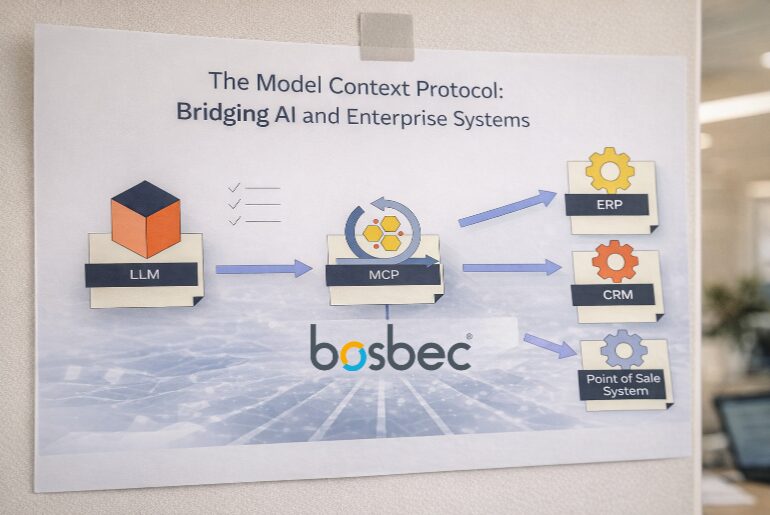
- Integrating AI services — for example using Model Context Protocol (MCP) to allow AI agents to securely retrieve data or trigger workflows in external systems
Automation reduces manual work and ensures data flows reliably between systems.
Continue with the Full Getting Started Guide
This article provides an overview of how integrations work in Bosbec. To continue building your first integration, follow the full step-by-step guide:
Getting Started – Integrations
https://help.bosbec.com/knowledge-base/getting-started-integrations/
There you’ll learn more about:
- Setting up your first integration
- Working with APIs and HTTP connections
- Structuring workflows effectively
- Testing and deploying integrations